
Take Your ToastTab POS Menu Online - Beautifully, Automatically, and Always Up to Date
Sync your Toast POS menu to WordPress in seconds. Display stunning menus, and manage everything from one seamless system.
- Works with Any WordPress Theme
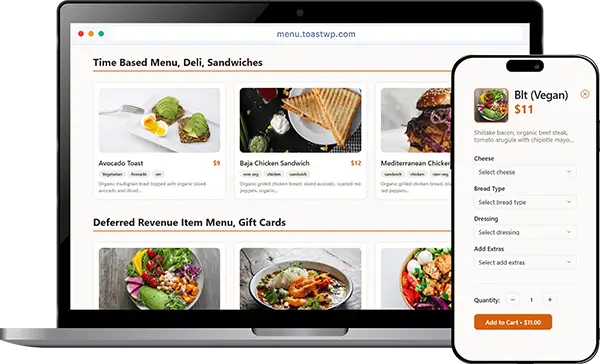
The Old Way of Managing Your Menu Is Slowing You Down
Stop wasting hours manually updating prices and items.
The Struggle
- Manually updating menu takes hours
- Outdated items confuse customers
- Generic plugins not built for Toast
- Keeping your website menu in sync is time-consuming
The Smart way
ToastWP turns Toast into your single source of truth.
- Automatic real-time syncing
- Beautiful, consistent displays
- Always keep your website menu up to date
Why Restaurants Love This Plugin
The Smarter Way
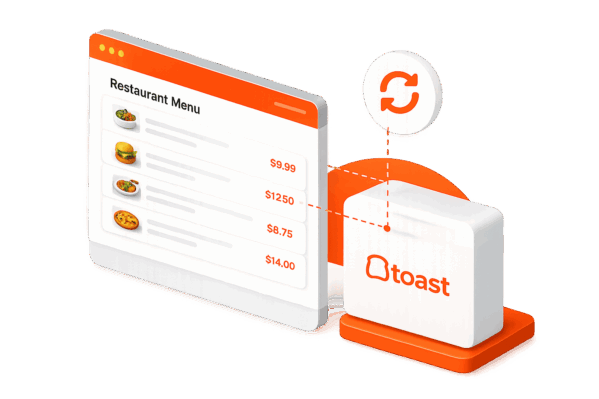
Your menu on Toast = your menu on WordPress. Instantly updated whenever you make changes in POS.
Ready-to-Use Templates
Six beautiful layouts created specifically for restaurant menus, ready to match your brand.
Automatic Menu Sync
Keep your website menu accurate with automatic syncing from Toast POS. No manual updates required.
Built for Operations
Modifiers, sizes, add-ons, pricing variations all supported exactly as they are in Toast.
Your ToastTab POS Menu, Perfectly Synced With Your Website
Say goodbye to inconsistent menus and manual edits. Our plugin pulls categories, tags, descriptions, prices, modifiers, and more directly from your Toast API.
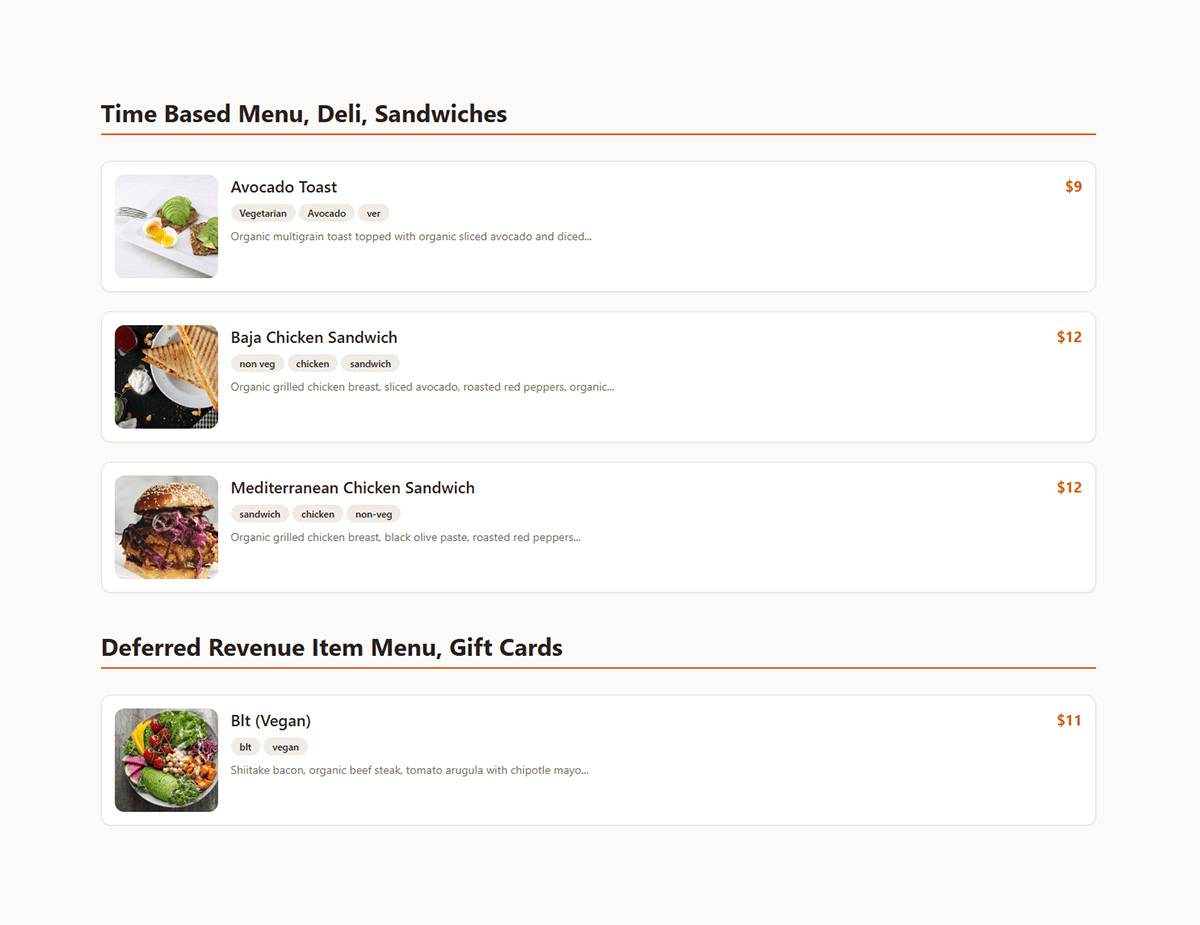
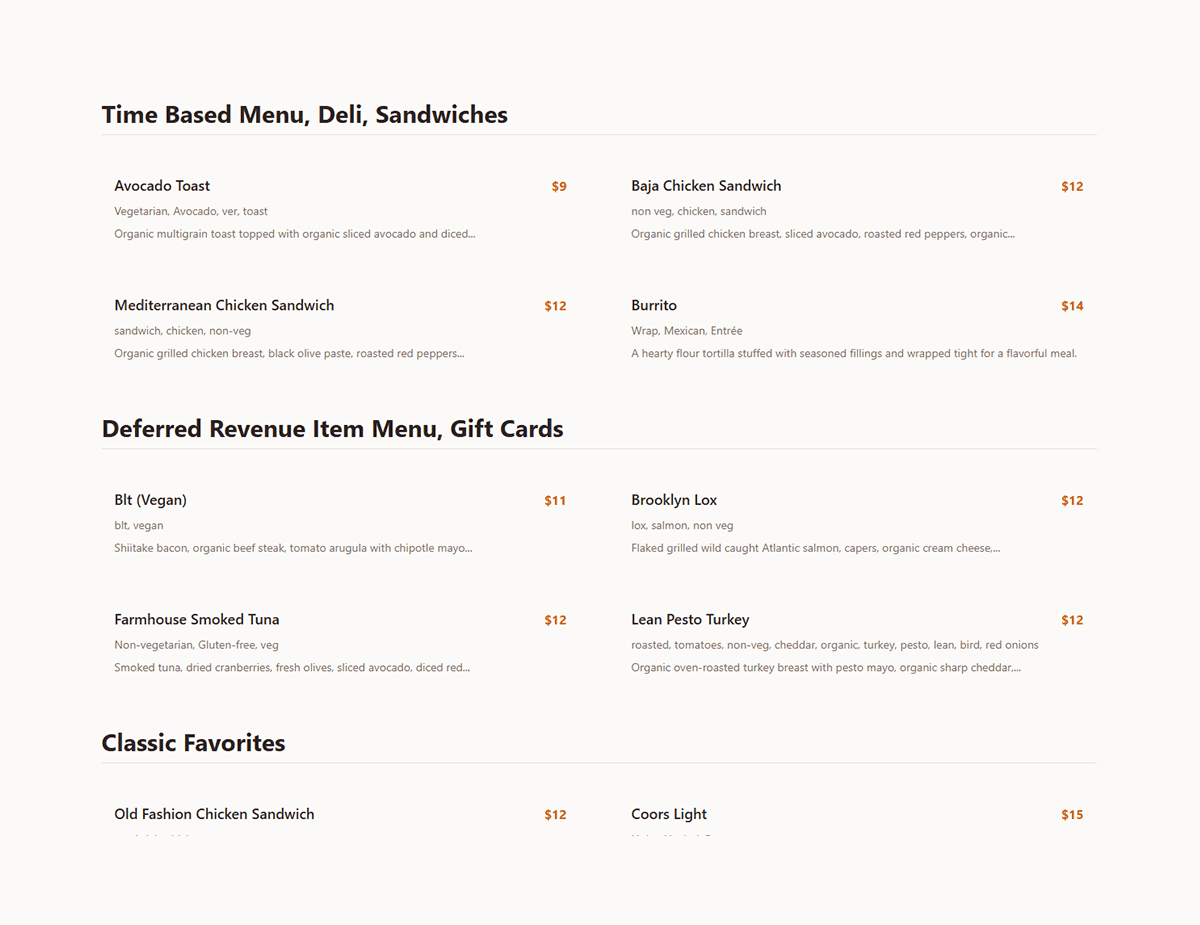
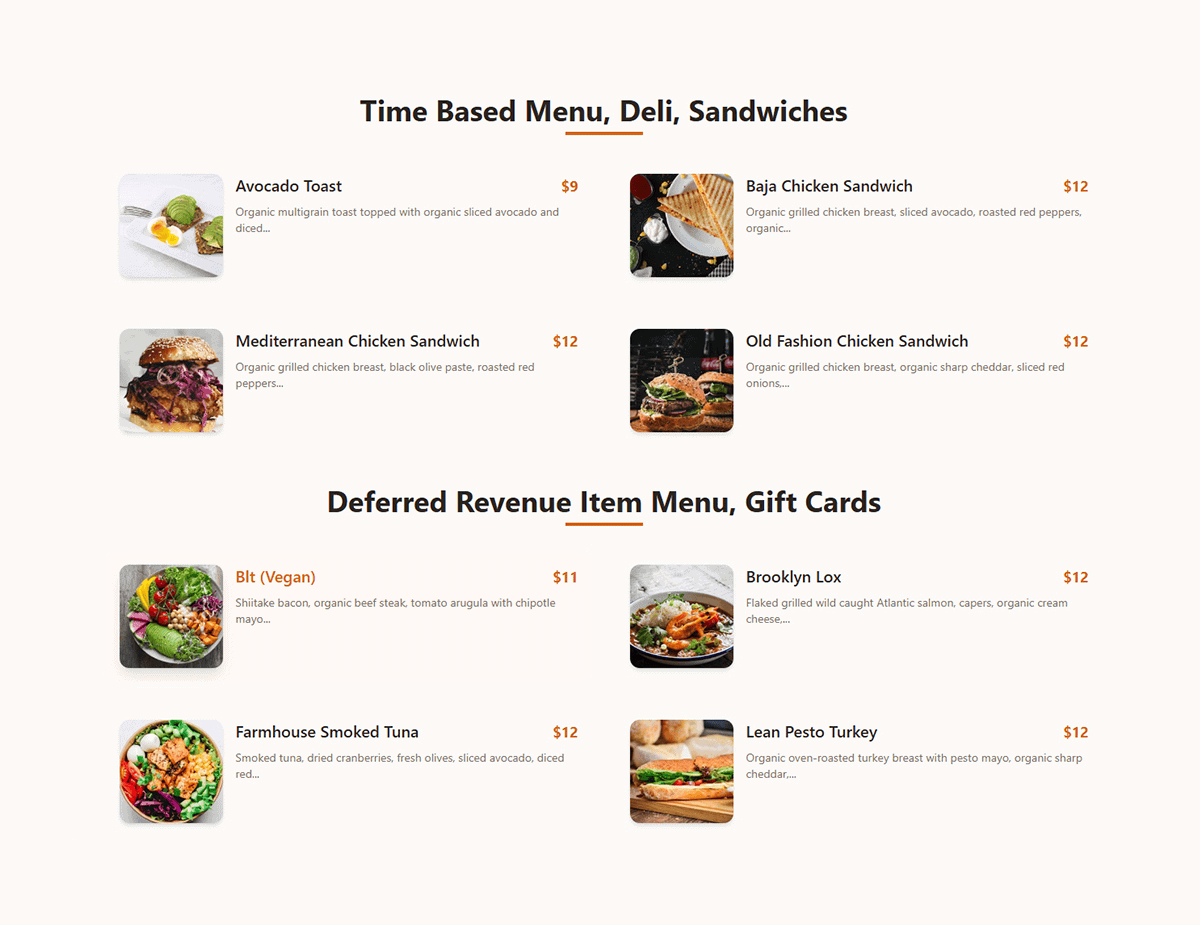
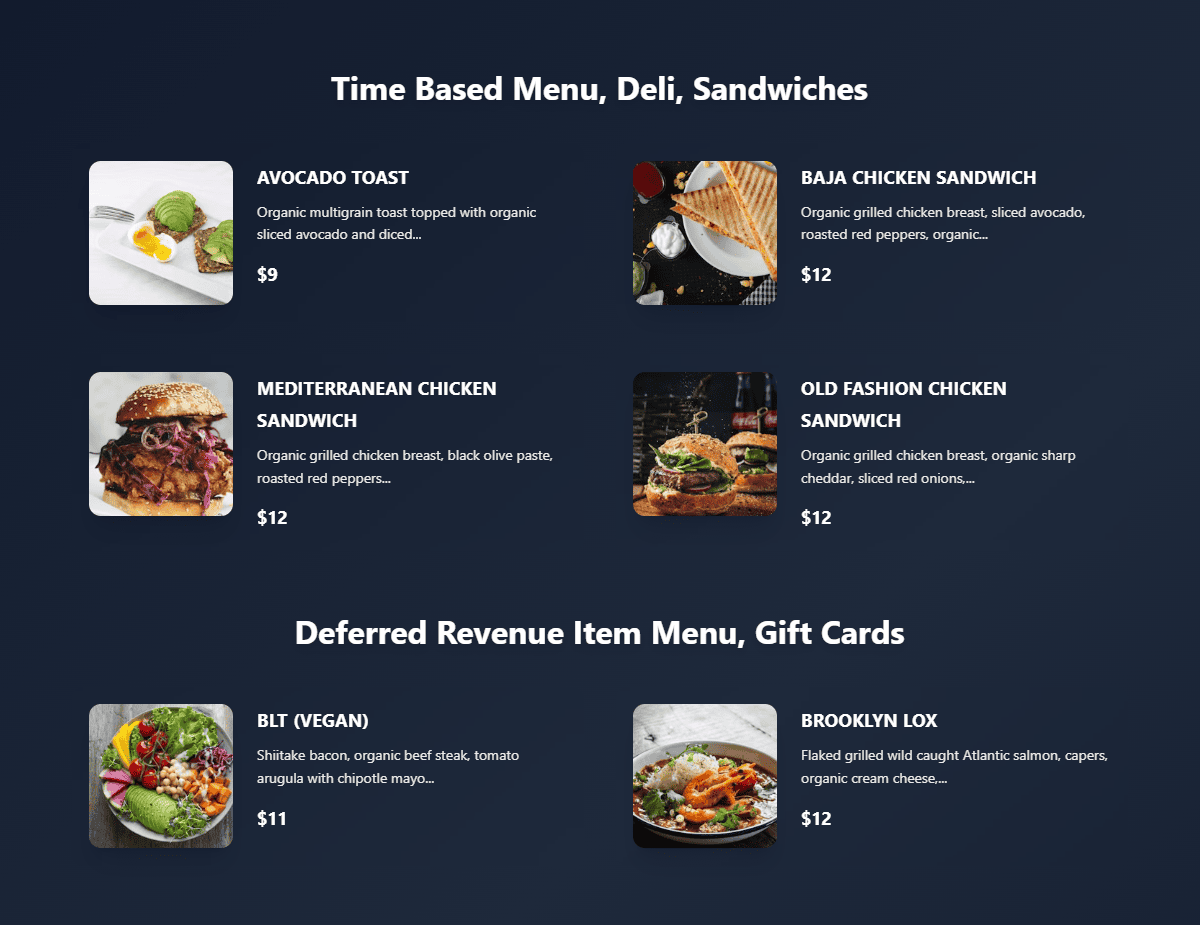
Choose From 6 Stunning Menu Templates
Whether you run a café, casual restaurant, or fine dining, choose a template that matches your brand.
Exciting Things Are On The Way
We're constantly working to bring your more powerful features.
Manage multiple Toast locations from one site with ease. Planned
Sync stock counts automatically Planned
New professionally desgined restaurant menu templates. Planned
Custom Toast API integrations with ongoing updates and expert support
Years Experience
Toast Focused
Dedicated Support
Development
Keep Your Menu in Sync
WPToast automatically syncs your menu with Toast POS in real-time, so your prices and items are always accurate across all platforms.
Changers reflect instantly
Built for accuracy
Every item, every time
Start Syncing Your ToastTab POS Menu Today
Install the free ToastWP plugin and automatically keep your restaurant website menu up to date with Toast POS.
- 100% Secure
- Auto Sync
- Save Time
Frequently Asked Questions
What does WebDevOps Restaurant Menu Sync for Toast do?
It connects your Toast POS account to your WordPress website and automatically syncs your menu – categories, items, descriptions, prices, modifiers, and images – so your website always matches what’s in Toast, without any manual editing.
Does it work with any Toast plan?
Yes. It works with Toast POS accounts that have Partner API access enabled. If you’re not sure whether your account has this, contact your Toast representative to confirm.
Is WooCommerce required to use this plugin?
How often does the menu sync with Toast?
Your menu syncs with Toast automatically at regular intervals to keep your website up to date. Any changes you make in Toast—such as adding new items, updating prices, or changing availability—are reflected on your website without requiring manual updates. The exact sync timing depends on your integration settings, but updates are designed to appear as quickly as possible..
Can I customize how the menu looks on my website?
Yes. The plugin includes six professionally designed, responsive templates, plus style options (colors, fonts, layout, image position) so you can match your restaurant’s branding.
Do I need any coding knowledge to set it up?
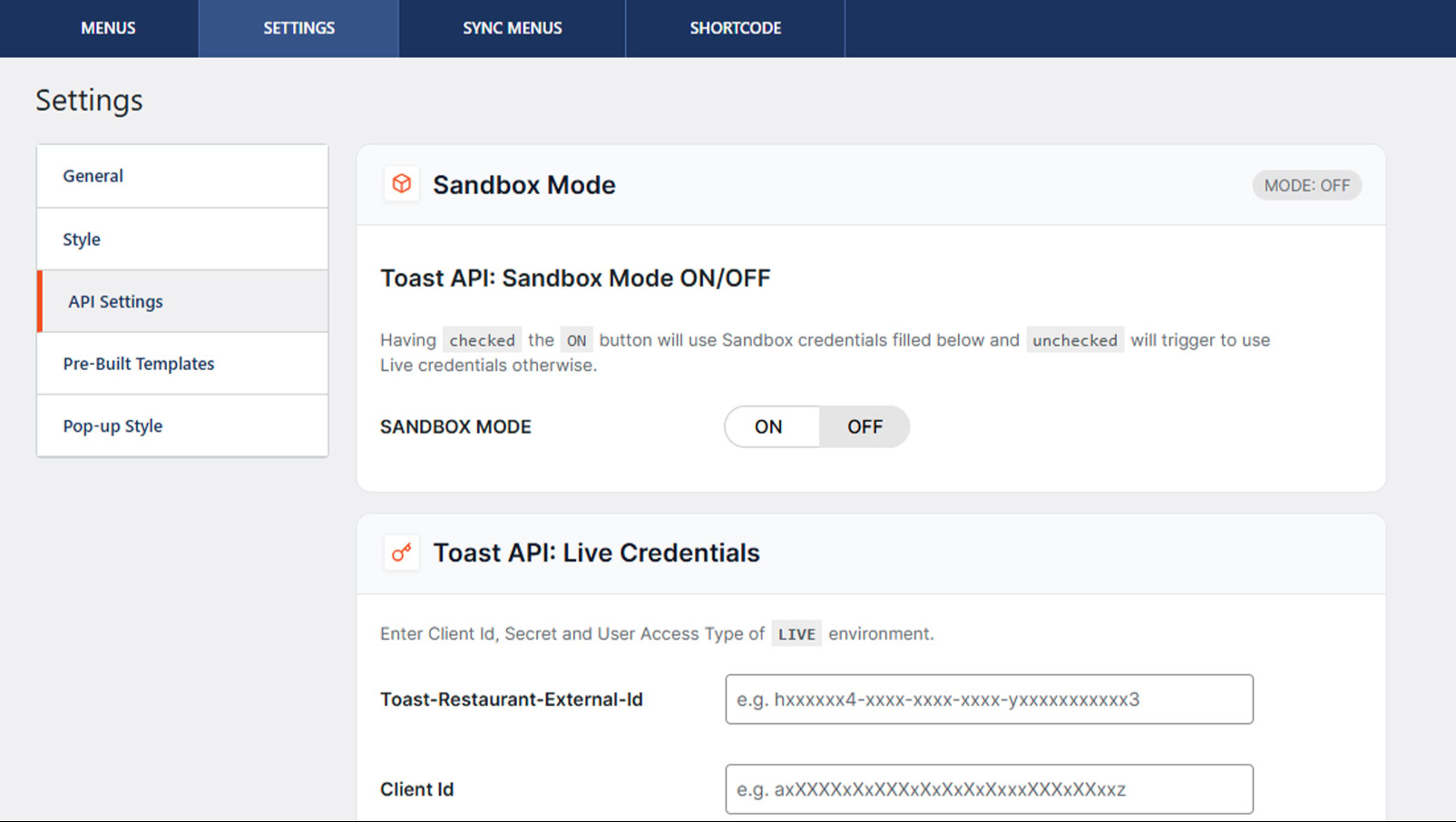
No. Setup is done entirely through the WordPress admin dashboard — connect your Toast API credentials, choose a template, and place a shortcode where you want the menu to appear.
Does this plugin support modifiers, sizes, and add-ons?
Yes. Modifiers, sizes, add-on options, and pricing variations are pulled directly from Toast and displayed exactly as configured in your POS.
Is my data secure?
Yes. The plugin only reads menu data from Toast’s official API using your own credentials, and all sync requests are authenticated. No menu data is shared with or processed by any third party.
Can I manage multiple restaurant locations with this plugin?
Multi-location support is on our roadmap and currently in development. Right now, the plugin syncs one Toast location per WordPress site.